
PanoramaSlice
Let your wide photos unfold.
I made PanoramaSlice for the photos that feel cramped in a single post. Turn a wide view into a carousel, check how it flows from one slide to the next, then save a set that is ready to share.
Windows and macOS · Free or $3.99 Pro · No subscription
A panorama from import to finished slides
A little help for the details
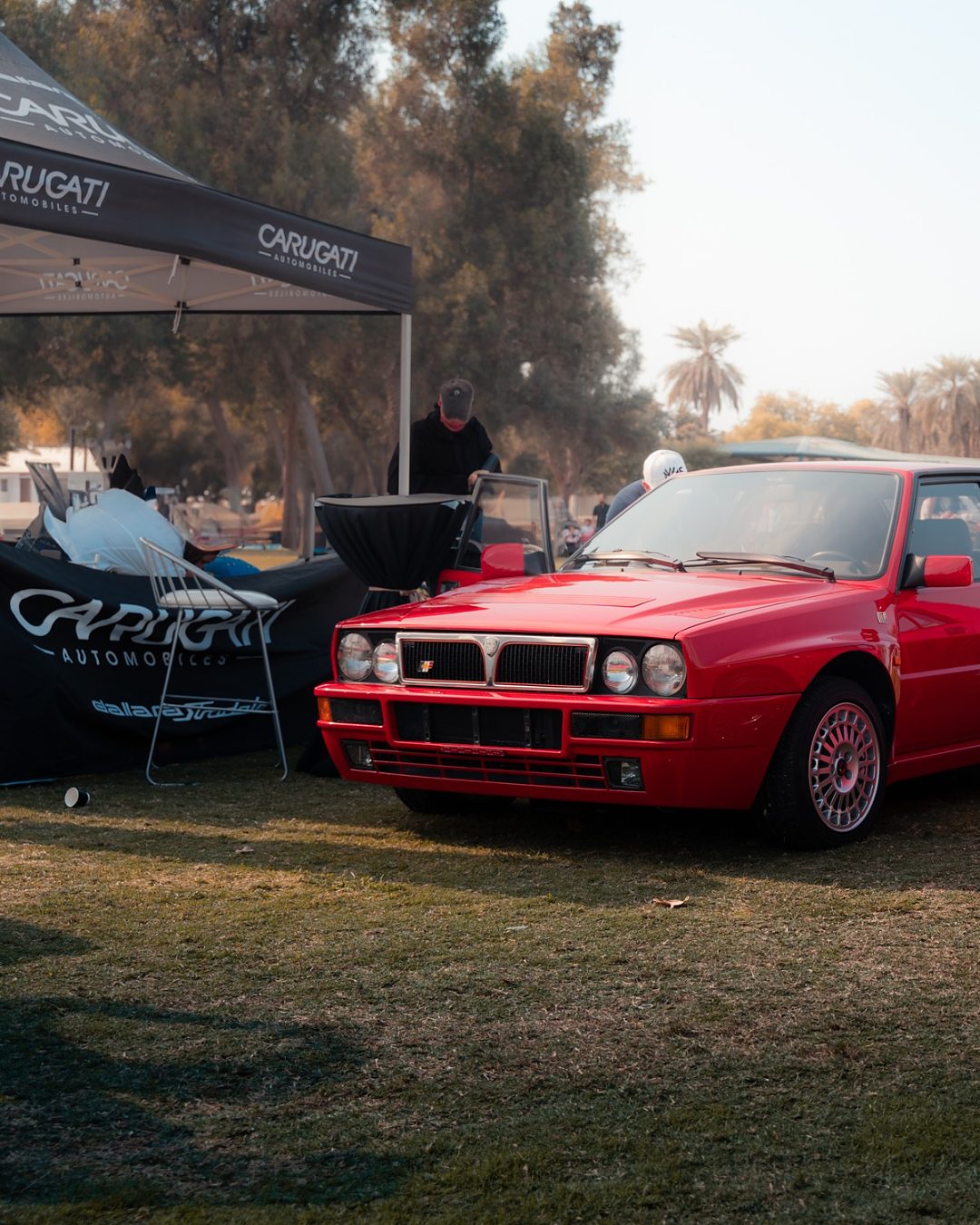
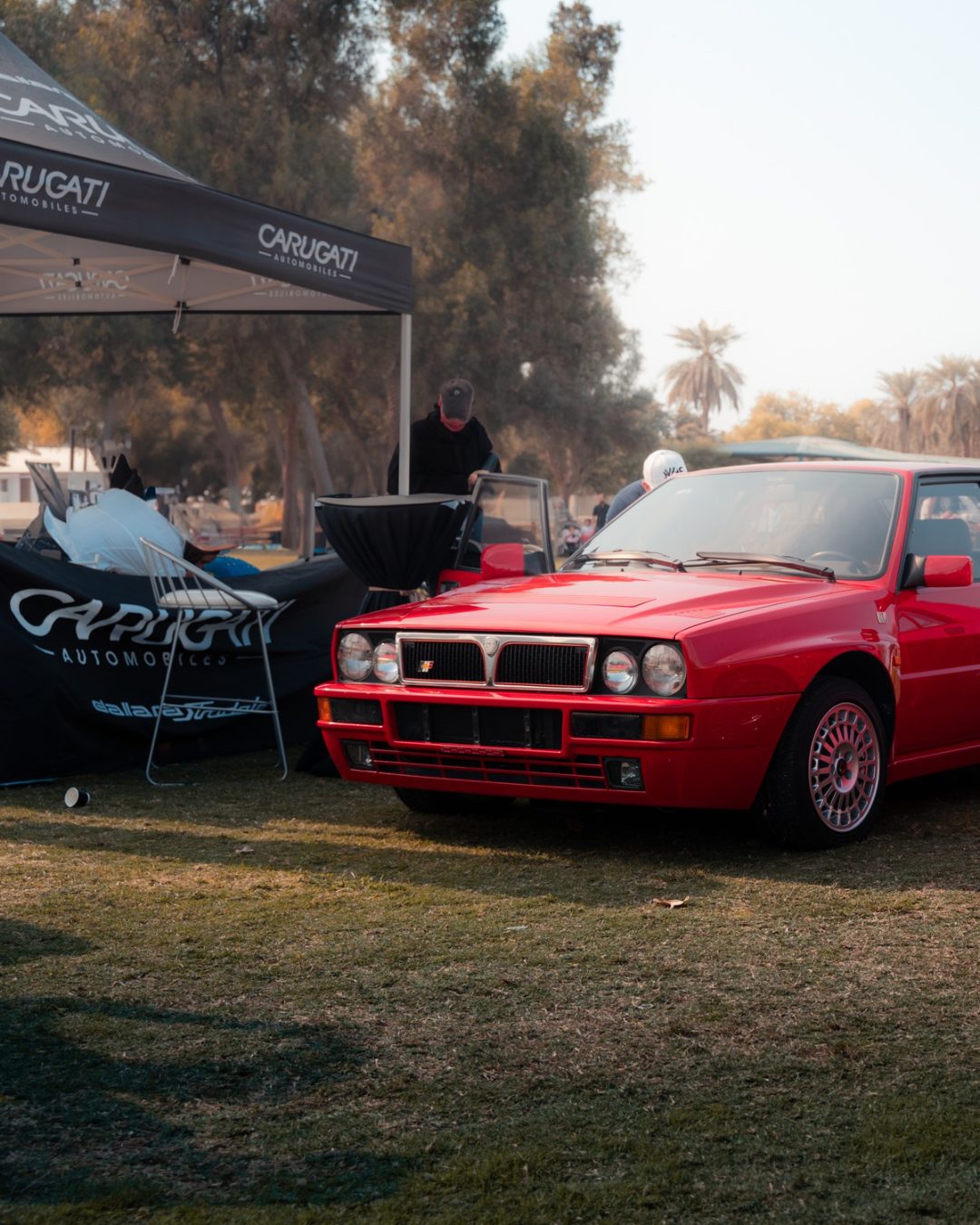
Drag across the photo to compare two real exports: sharpening off on the left and the default setting on the right. Both use the same 1080×1350 size and JPEG quality 82. This shows the saved files before Instagram processes them.
Drag, tap, or use arrow keys
Try a different carousel
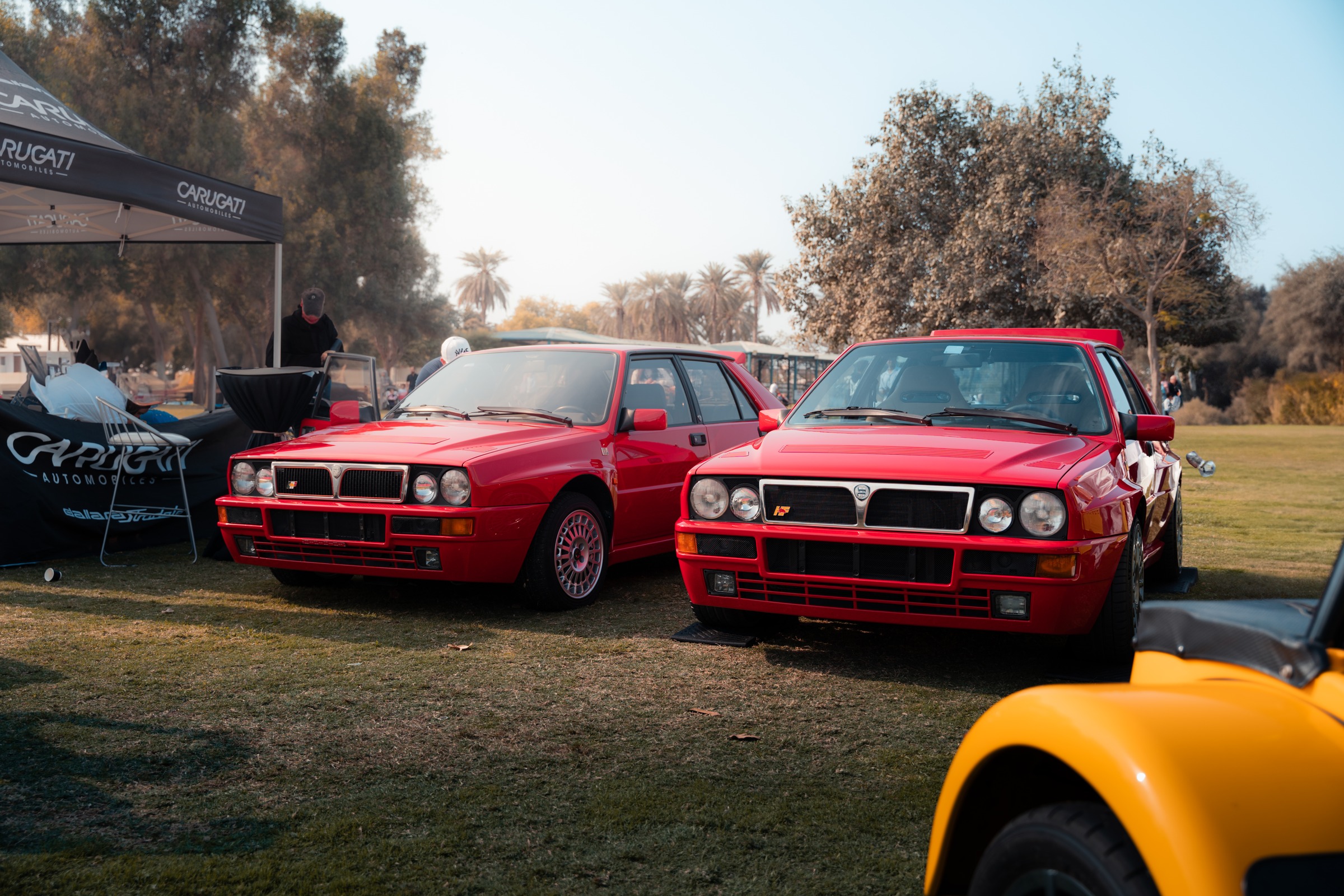
Choose a shape and a few more slides. Watch how this wide photo fits across the carousel, then click a slide for a closer look. Scroll across the strip for longer carousels. This browser preview illustrates the layout.
Your carousel layout
3 slides · 4:5 · 1080 × 1350 each
Swipe through in order. Each slide meets the next, edge to edge.
A closer look at slide 1 of 3.
Give it a swipe
Drag sideways to see the photo unfold, or use the arrows. Try a portrait or square shape and see which one feels right for this image.
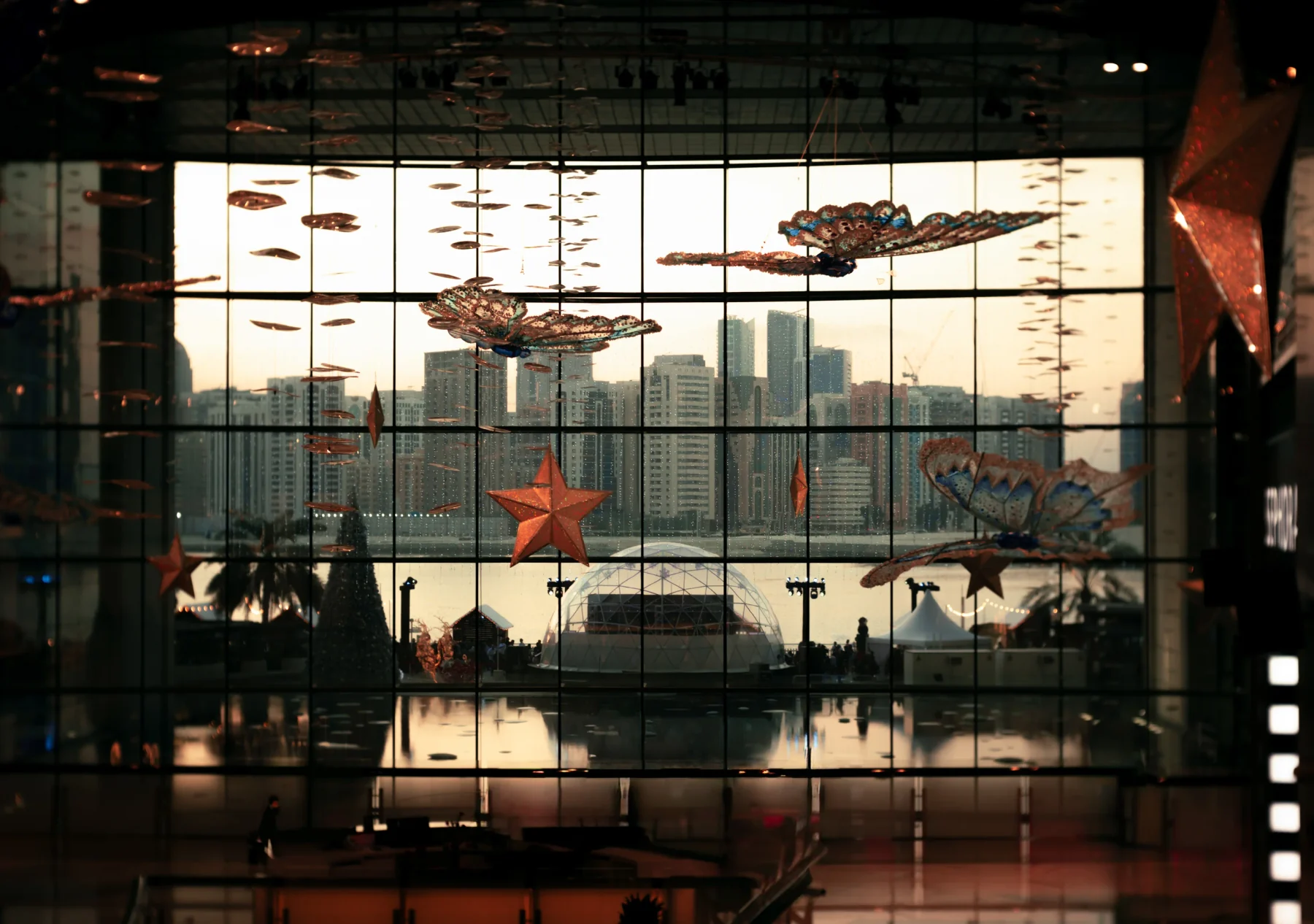
amr.zriek
Dubai, United Arab Emirates
Inside PanoramaSlice.
Bring in a photo, decide how it unfolds, then save your slides. These are the controls you'll use along the way.
Bring in your photo.
Choose Import at the top of the window and open the photo you want to share.
Give it room.
Pick a slide count and shape in the sidebar. Use the preview to check where each frame begins and ends.
Save in order.
Set the size and file format, then choose Export and a folder. Add the numbered slides to your post in order.
Want to see it happen? Watch the import-to-export demo
Free and Pro
A place to start
Start with a portrait carousel of up to 3 slides. The Free edition exports JPEG at the 1080px Instagram-ready size, with no watermark or account.
Room for a longer story
Make carousels of up to 20 slides in 4:5, 3:4, square, or a custom shape. Pro adds 1440px exports, PNG and more control over sharpening and JPEG quality. $3.99 once.
Frequently Asked Questions
Which platforms does PanoramaSlice run on?
Windows 10 or later (64-bit), or macOS 12 or newer on Apple Silicon or Intel with Safari/WebKit 16.4+. The Mac build is unsigned and not notarized; see the installation notes before opening it.
What is the difference between the Free and Pro versions?
Free slices up to 3 slides at 4:5 and exports JPEG with the Instagram-optimized 1080px preset. Pro adds up to 20 slides, all aspect ratios (4:5, 3:4, 1:1, custom), 1080px and 1440px export, lossless PNG or tuned JPEG, and full quality control. Both versions use the same alignment and sharpening pipeline.
Will my photos lose quality when uploaded to Instagram?
Instagram recompresses uploads. PanoramaSlice offers Instagram export presets, but it cannot control how Instagram processes an upload.
Do my photos ever get uploaded to an external server?
No. Slicing and rendering happen on your machine. No analytics, no network calls.
How do I get the app?
Choose your computer and edition on Gumroad. Free costs $0; Pro is $3.99 once. Both work without a subscription.
Before you install
Windows 10 or later (64-bit), or macOS 12+ on Apple Silicon or Intel with Safari/WebKit 16.4+. Photos are processed on your computer. The Mac build is unsigned and not notarized; follow Apple's opening guidance if macOS prevents it from opening.
Get PanoramaSlice.
Choose Windows or macOS, then pick Free or Pro. Start with Free to try it with your own photos, or get Pro for $3.99 once.
Choose your download