
Amr Zriek · Dubai, UAE
Photographs,& useful little apps.
Hello, I'm Amr. I photograph cars, people, and places, and make small tools for the creative work around them. Have a look around.

Come for a look around.
There's more over on my photography site: cars, portraits, commercial shoots, and places that caught my eye. Browse the photographs, or get in touch if you have a shoot in mind.
Visit the photo archiveLittle tools,
made with care.
For sharing a photograph, finding the right words, or making a little more room for the work you enjoy.


PanoramaSlice
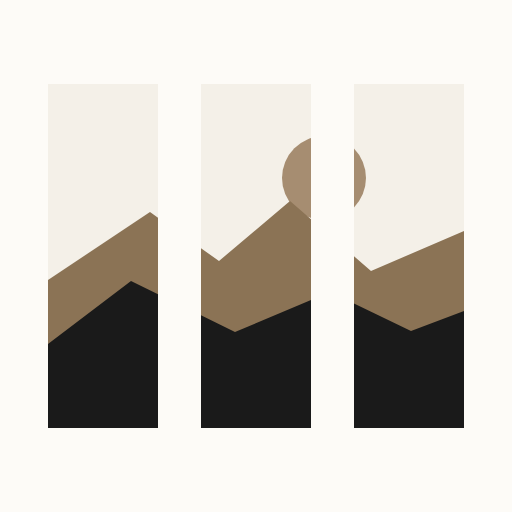
Split wide photos into ordered Instagram carousels.
Let a wide photo unfold as people swipe. Choose an Instagram-ready size, check the joins, and save the slides in order. Instagram still applies its own processing after upload.
PanoramaSlice
One panorama. Aligned slices.
Split a wide photo into carousel slides, then check how their edges meet.

MatteScale
Give your photos room to breathe.
Keep every edge of a favorite photo with a border. Try a square, portrait, or Story template, then frame a whole set to match with Pro. Instagram-ready sizes and adjustable sharpening help you prepare the details before upload.

MatteScale
Frame the whole photo.
Fit mode adds a matte border while keeping every edge of your photo.

Stet
A second look before you send.
Select the sentence you want to check. Press F9 in a supported app, review the spelling and grammar suggestions, then decide what to keep.
Your writing is processed on your computer. Works offline after setup.
I recieved your note.
I'll send the photos tomorrow.
I recieved received your note.
I'll send the photos tomorrow.
I received your note.
I'll send the photos tomorrow.
One spelling fix. A sentence that's still yours.
EarGuard
One accidental blast is enough.
If you use sensitive earphones and a dongle DAC, a sudden jump to full volume can feel like a shotgun in your ear. That is why I built EarGuard: choose a limit for each Windows audio device and let it turn the setting back down when something changes.
A brief spike can still get through, and device control varies. Keep listening levels low; EarGuard is an extra precaution, not a hearing-safety guarantee.
Choose a limit, then try an unexpected volume change. This is a quiet demonstration; it plays no audio and does not control your device. Its timing is illustrative.
EarGuard responds when the Windows volume setting rises above this limit.
A lower setting for the first three seconds after reconnecting a device or waking your PC.
Ready to try. Your example limit is 25%.
In real use, a brief spike can get through before EarGuard responds. Windows percentages do not measure listening loudness, and support depends on your device and driver.

Chromastat
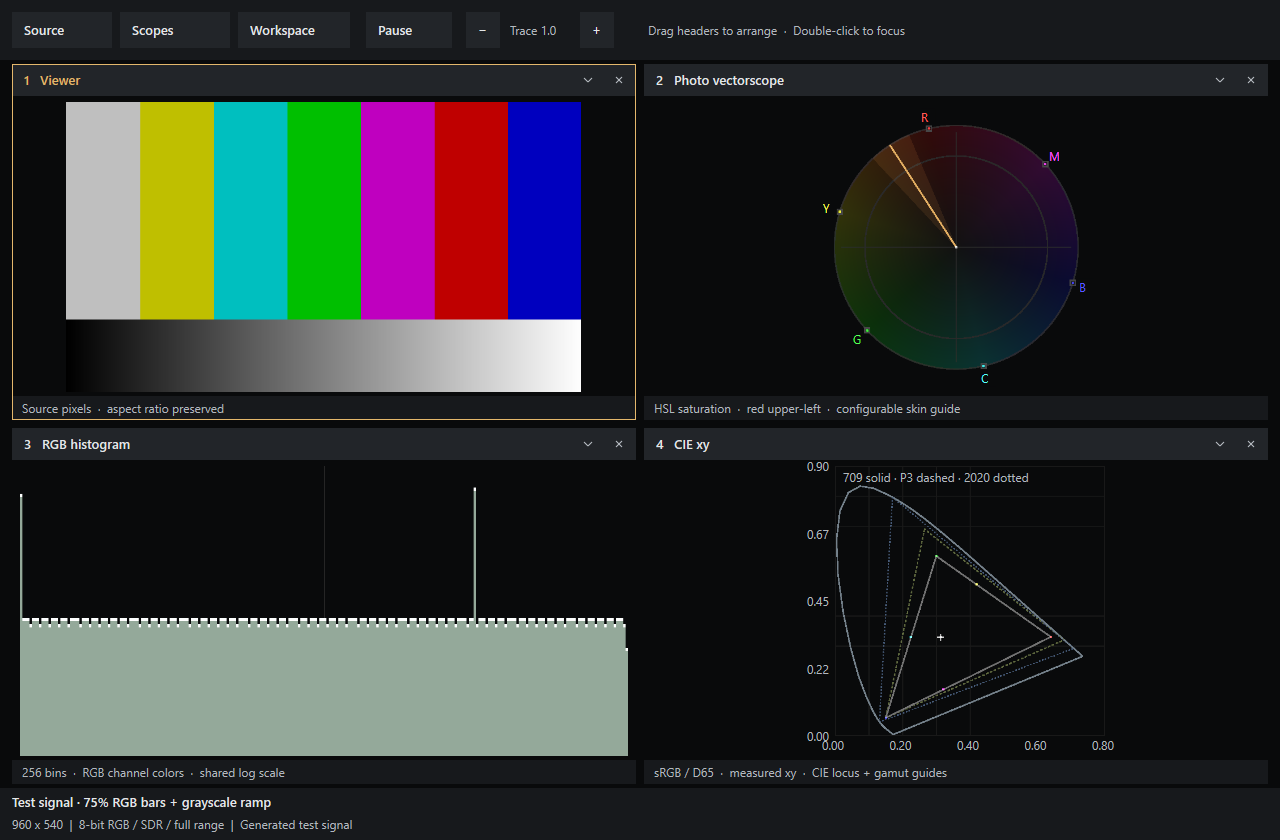
A closer look at the color in your photos.
Choose Find Lightroom once and keep live color and exposure views beside your photo. Pin a view where you need it, or arrange a workspace on another screen. Your layout saves for the next edit.
Behind the photos
and the apps.
I’m Amr, an engineer in Dubai. I got into Blender as a kid, and photography became a big part of my life along the way. A lot of these apps started with something I wanted to do with my own photos.
AI has let me build more than I could have managed alone. It’s also changed how I see the work ahead of me. I’m making use of it, with plenty still to figure out.
If something here catches your eye, I’d love to hear about it.
- Amr Zriek
- Dubai, UAE
- Engineer
- Photographer and software developer
- 01
Commercial Photography
I shoot cars, people and places, and spend a lot of time with the edit afterwards. I care about how the finished photograph feels, whether it’s for a client or for myself.
AutomotiveEditorialCampaignsLookbooksColor Grading - 02
Creator Software
Tools I wanted on my own computer: for preparing photos, checking a sentence, or keeping an unexpected volume change in check. They’re here for you to use too.
Photo ToolsWritingColorWindowsmacOS - 03
Offline AI Workflows
I run models on my own computer for writing and image work. I like being able to try an idea with my own files and see where it goes.
Local ModelsImage MakingWritingExperiments